Invoice PDF Software - Professional Invoice Documents From Your Windows PC
QuoteNovo generates professional PDF invoices from detailed line items - ready to print or email to clients at billing time, with consistent formatting and all the details your client needs to pay promptly.
$265 one-time • 3 licenses included • Windows only
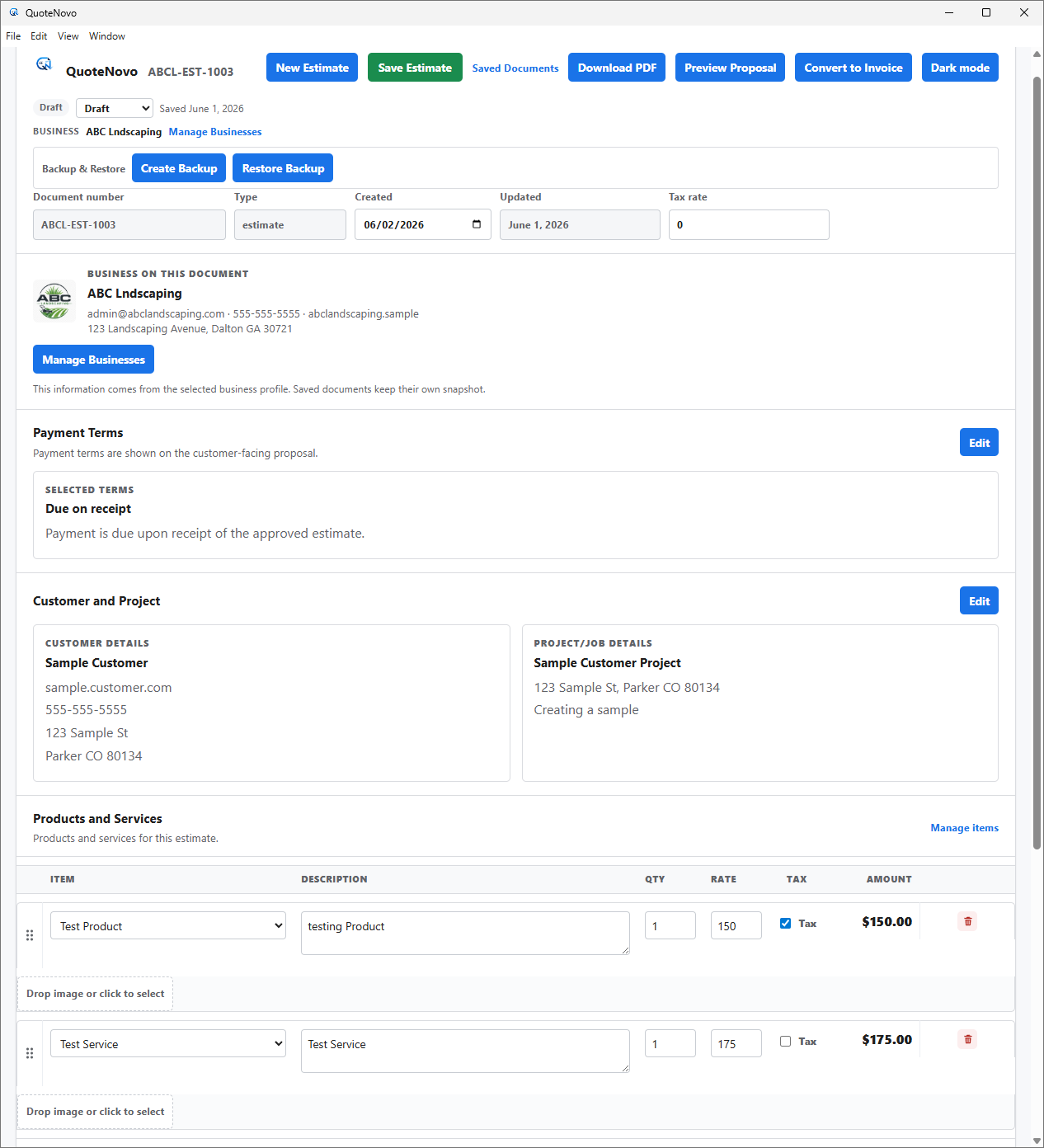
What your client receives
QuoteNovo helps contractors turn estimate details into a clean, customer-facing PDF proposal with line items, pricing, project information, and totals.
- Business name, logo, and contact details on every PDF
- Client name and project information
- Line-item breakdown with quantities, pricing, and tax
- Subtotals and grand total calculated in-app
- Download directly from QuoteNovo — no extra software needed
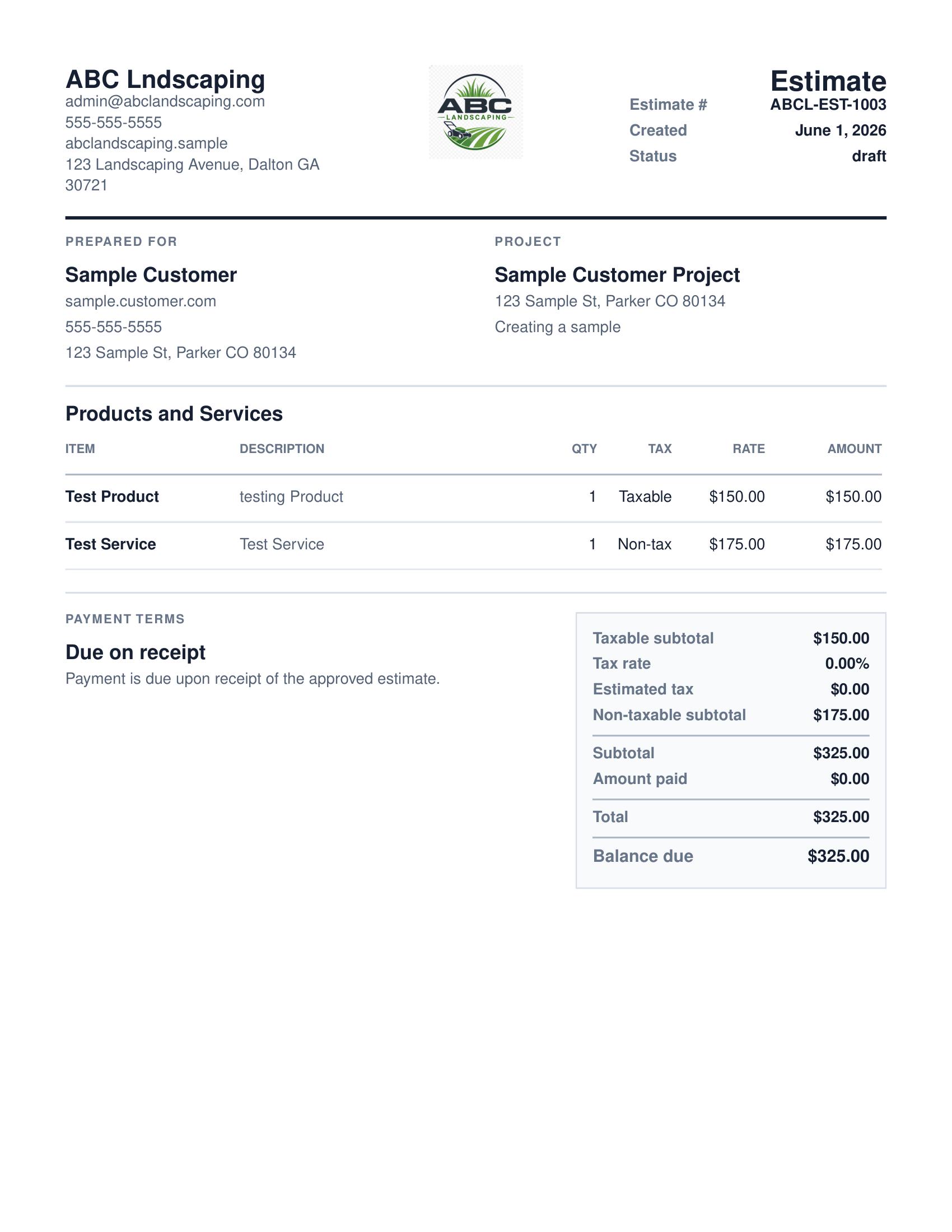
QuoteNovo is a Windows desktop application that generates professional PDF invoices from line-item billing data. Contractors build invoices with labor, materials, and service line items, then export a formatted PDF for client billing. It also converts approved estimates to invoices to eliminate duplicate data entry. The software is purchased once for $265 with 3 licenses included. It works offline and requires no cloud account or subscription.
A professional PDF invoice does more than communicate what is owed - it shows the client that the contractor is organized, sets clear payment expectations, and creates a written record of the completed work and agreed price. An invoice that matches the original estimate line for line also signals to the client that there were no surprises: they approved a specific scope and are being billed for exactly that scope. QuoteNovo generates professional PDF invoices from line-item data and can convert an approved estimate directly into an invoice so the billing document reflects the same scope that was proposed. The invoice PDF includes your company name, client details, each line item with description and amount, the total due, and any payment notes you add.
Why invoice document quality affects payment speed
- Sending unprofessional invoices - a Word document or spreadsheet - leads to slower client payment
- A professional PDF invoice with clear line items, totals, and payment instructions reduces client questions and disputes
- Building invoices from scratch for each job when the estimate data already exists wastes time
- Subscription invoicing tools charge monthly for PDF invoice generation that should be a basic feature
What a QuoteNovo invoice PDF includes
- Convert an approved estimate into a PDF invoice with no duplicate data entry
- PDF invoices include company info, client details, line items, totals, and payment notes
- Professional invoice format communicates that your business is organized and trustworthy
- Generate invoices offline from your Windows PC - no cloud account required
- One-time $265 - unlimited PDF invoice generation, no per-invoice fee
What QuoteNovo includes
Every feature listed below is part of the $265 one-time purchase.
Example use case
A tile contractor completes a bathroom floor installation. He opens QuoteNovo, pulls up the estimate he built before the job started, and converts it to an invoice in a few clicks. The invoice carries forward every line item - tile material by square foot, grout and thinset, backer board, and installation labor - with the same descriptions and prices the homeowner approved. He generates the PDF, emails it to the homeowner with a note on his preferred payment method, and gets paid within three days.
What QuoteNovo does not cover
QuoteNovo is not full accounting software. It does not include payroll, bank feeds, tax filing, bank reconciliation, or deep bookkeeping reports. Businesses that need those capabilities should use QuickBooks or dedicated accounting software alongside or instead of QuoteNovo.
QuoteNovo is not the right fit if you need:
- Contractors who need online invoice payment links or automatic payment reminders
- Businesses requiring cloud-based invoice storage or client-facing payment portals
- Operations that need bank reconciliation, expense tracking, or payroll
Stop paying monthly for software you could own
$265 one-time purchase • 3 licenses included • Windows only • No subscription
Complete a Demo and Get 10% Off QuoteNovo
Submit your info and we'll contact you to schedule a short QuoteNovo product demo. After you complete the demo, you'll receive a purchase link with 10% off your lifetime license.
- Short, focused product walkthrough
- See estimates, invoices, and PDF workflows firsthand
- Ask questions before you buy
- 10% discount link sent after the completed demo
Frequently Asked Questions
Have a question not answered here? admin@quotenovo.com